

How to add a user
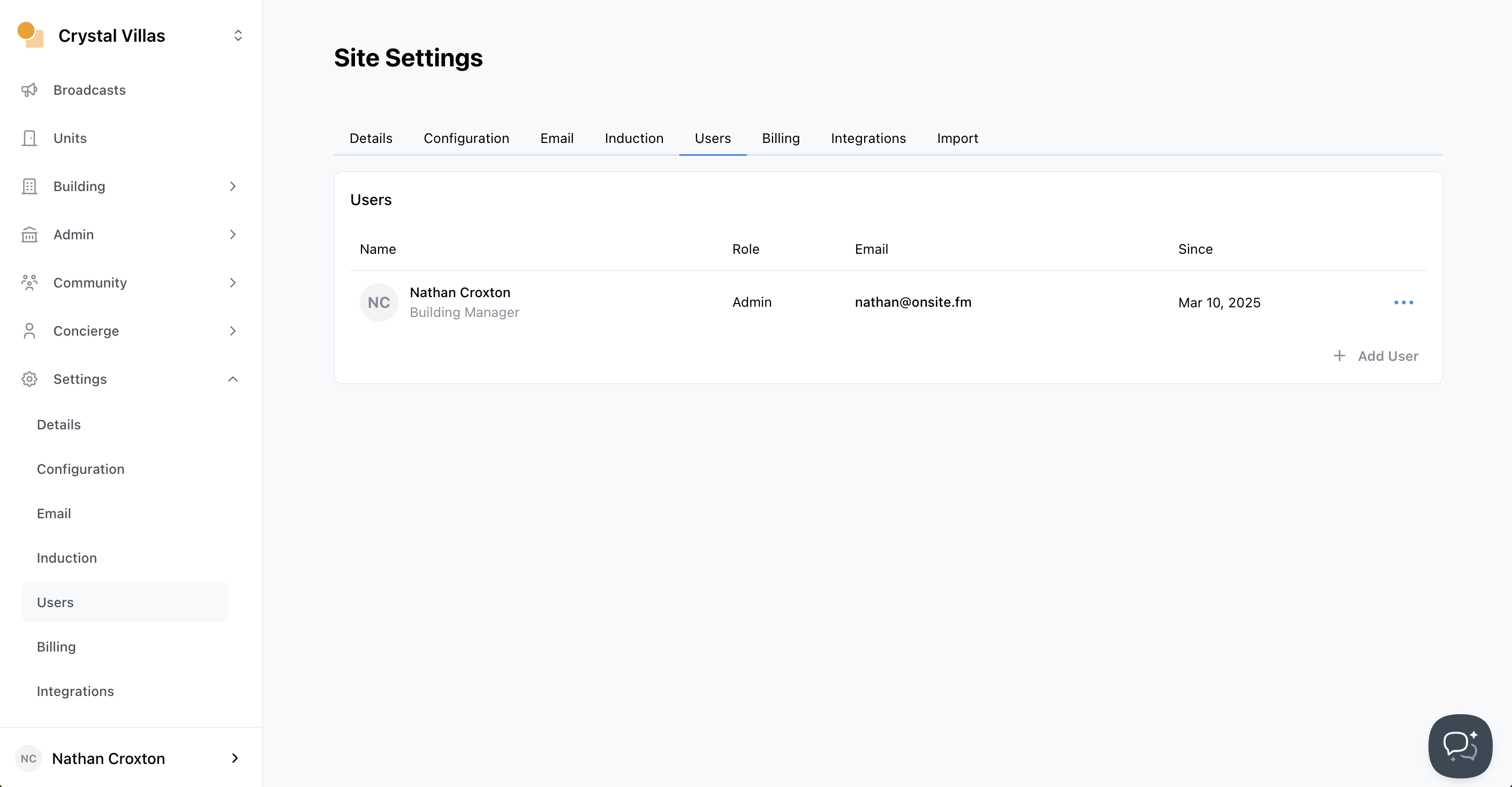
Navigate to Site Settings
- Select
Settingsfrom the sidebar - Select the
Userstab - Click
Add User
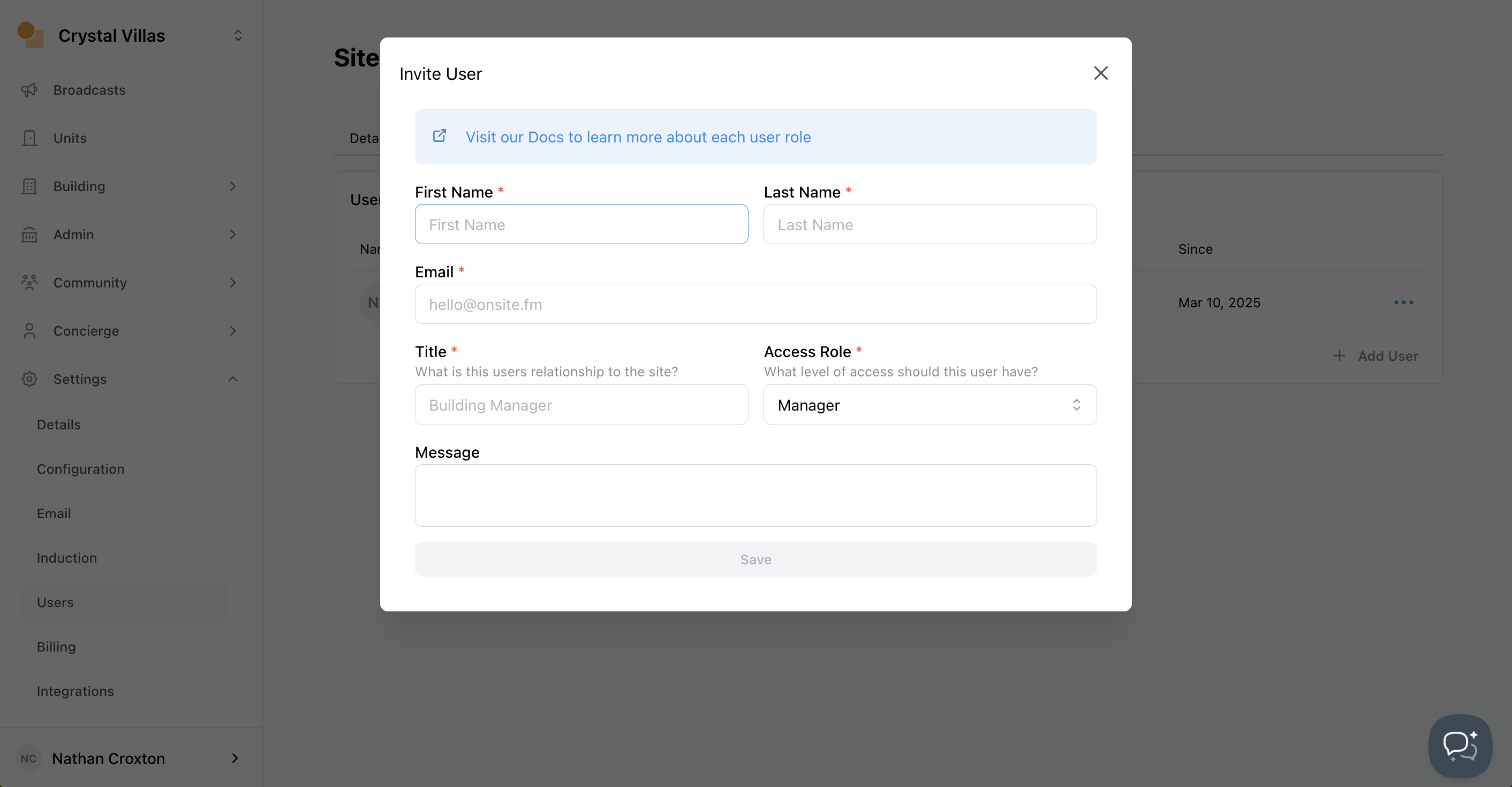
Enter new user details
- Title - The functional relationship the user has to the buildings
- Access Role - The permissions assigned to the new user
- Message - Note to be included in invitation email
After completing the form, you can then send the invite.
User Roles
| Role | Permissions |
|---|---|
| Admin | The highest level of site access |
| Manager | Can perform most actions, but not manage users. |
| Staff | Can carry out many actions, but not publish broadcast, and limited delete support. |
| Committee | Can view cases, maintenance, assets, and contractors. No dashboard, resident or units visibility. |