
How to Download an Inspection Report
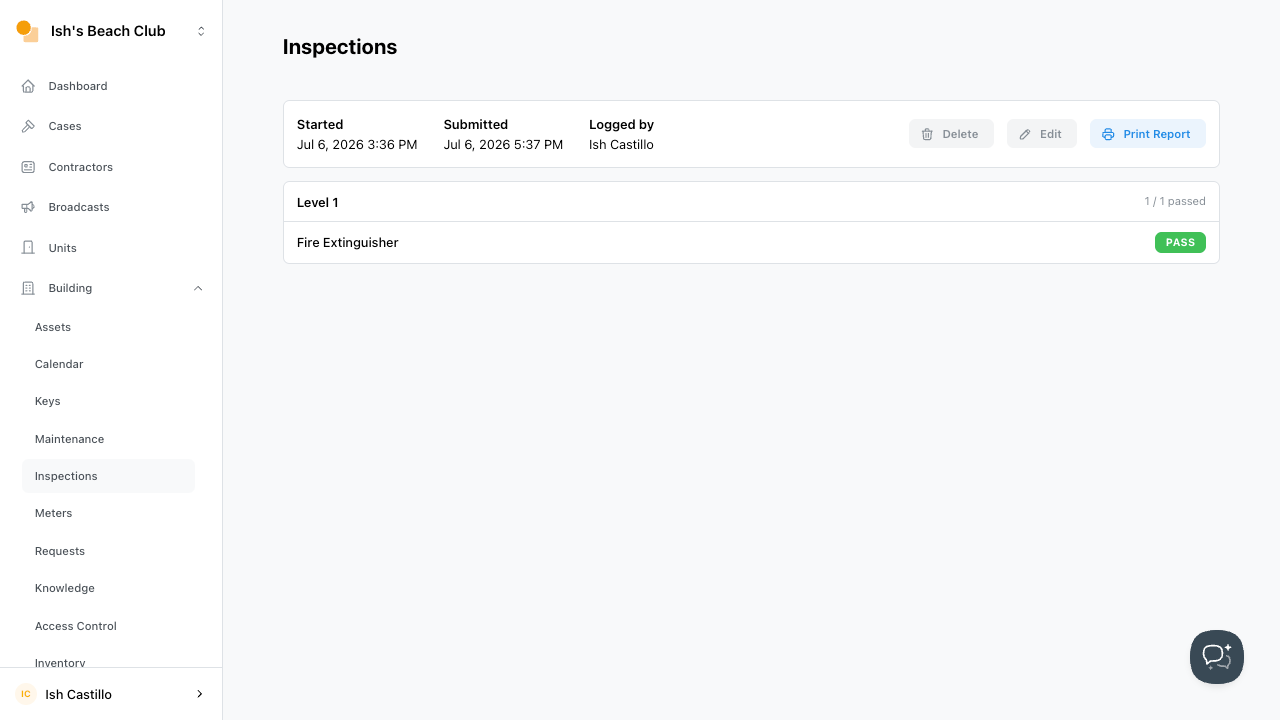
Site admins can download an inspection report from the browser by selecting Print Report.
Downloading in Google Chrome
- Navigate to
Buildingthen selectInspections - Select the inspection report you want to download
- Click
Print Report
TIP: If your system supports it, then Print to PDF.