

Features
Contractor Sign In
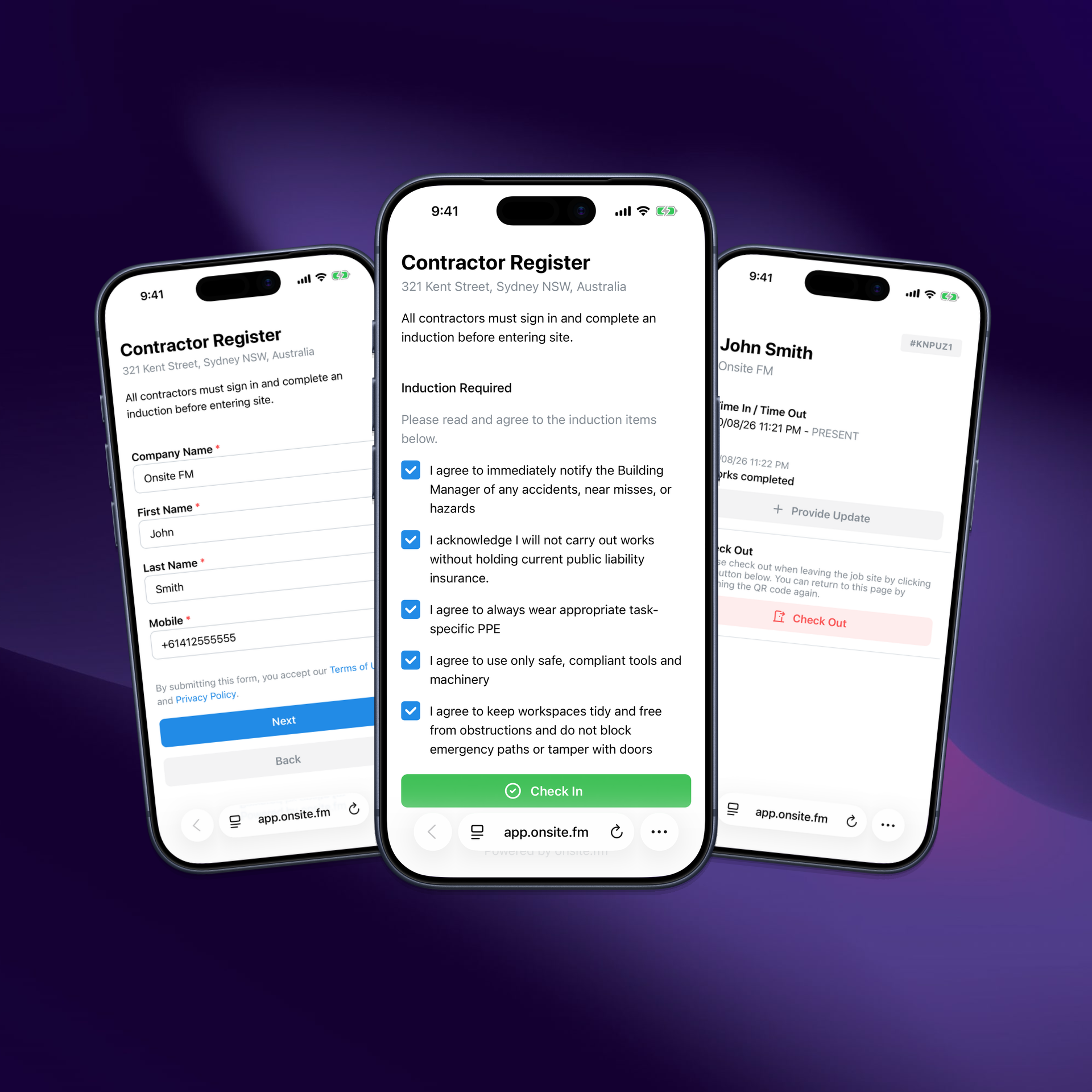
Know who is onsite. Check in contractors and visitors with QR or mobile - no app required.
The problem
Paper and spreadsheets leave you exposed
Building managers still track lobby traffic with logbooks, Forms, or Sheets - tools that do not help in an emergency or leave a searchable audit trail.
No real-time visibility
Hard to know who is onsite right now across a building - or a whole portfolio.
Slow, manual check-in
Clipboards and spreadsheets create friction, so attendance records are incomplete.
Weak audit trail
Misplaced pages and scattered spreadsheets make reporting and incident review painful.
Disconnected from work
Visits rarely link back to the case or work order that brought the contractor onsite.
Frictionless check-in
Contractors sign in and out in seconds - so the process actually gets used.QR Code Sign In
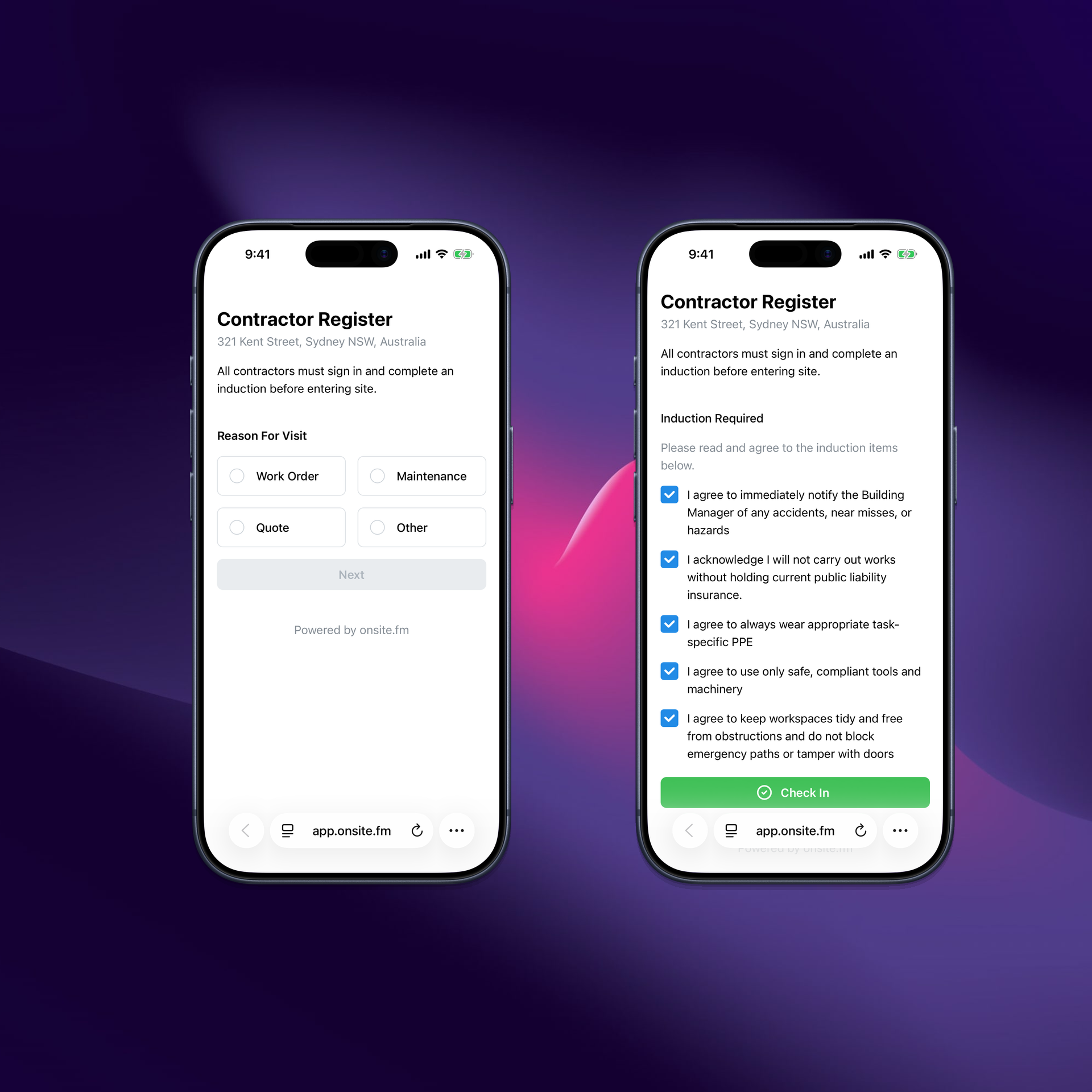
Scan QR codes at entry points to quickly sign in contractors and visitors.
No App Required
Provide a seamless check-in and check-out experience on mobile. No app download needed.
Company Matching
Match sign-ins against your building’s approved contractor companies.
Realtime who’s onsite
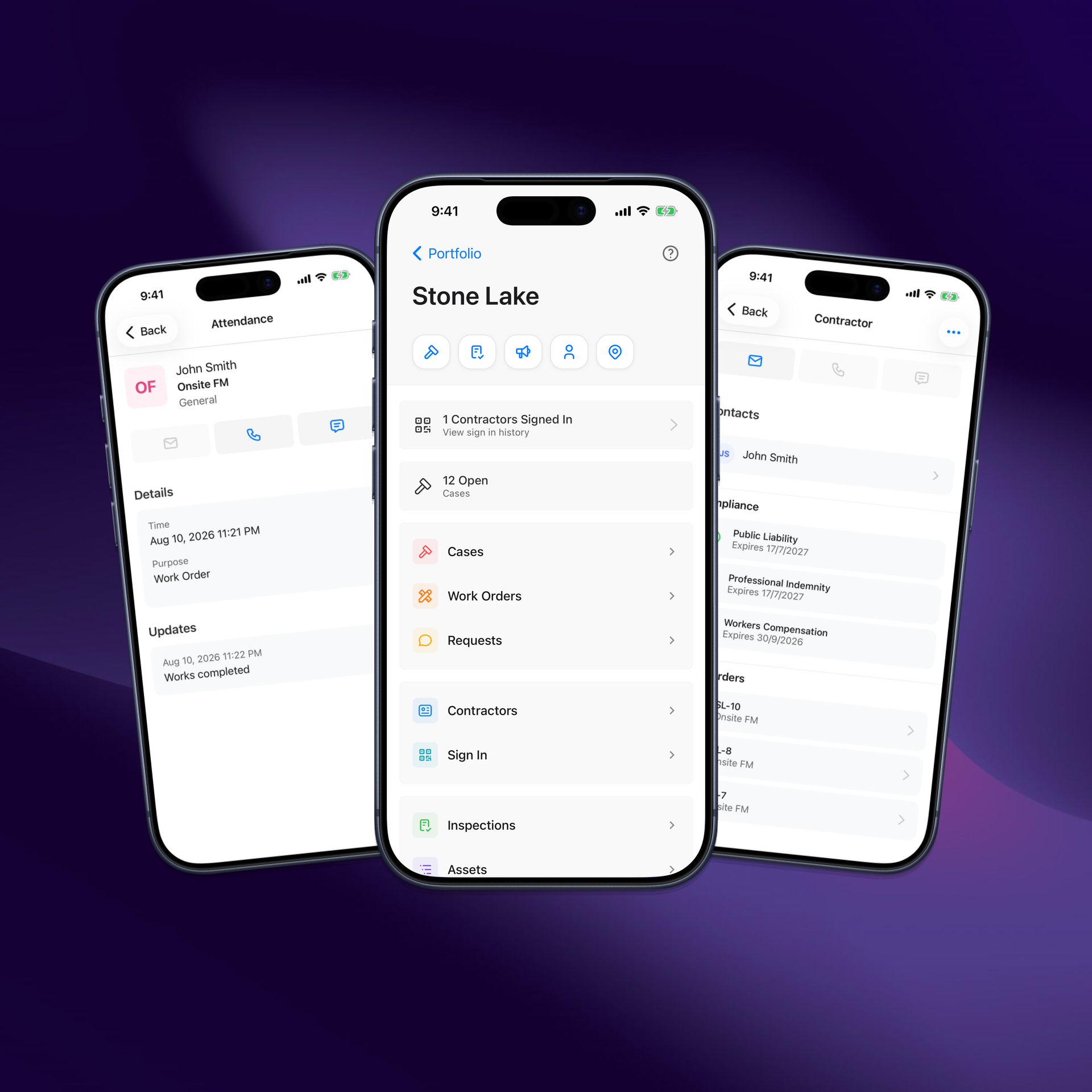
Know exactly who is on site - at one building or across your whole portfolio.Live Attendance
See who has signed in to your building, with searchable digital records.
Portfolio Visibility
See which contractors are working across your portfolio of buildings in real time.
Notifications
Get email and push notifications when contractors sign in.
Location Capture
Capture device and location data on check-in and check-out.
Tied into your workflows
Attendance is part of Onsite - not a disconnected visitor app.Link to Cases & Work Orders
Connect attendance records to the case or work order that brought the contractor onsite.
Reporting
Include sign-in activity in cases and reports for a complete audit trail.
Built for busy buildings
Sign-in sits alongside contractor management and secure access - one system for who’s onsite and who’s approved.Access Codes at Sign-In
Issue secure, trackable access for contractors as part of your onsite workflows.
One Platform
Pair sign-in with contractor approvals and secure access in Onsite.
Benefits
Why building managers choose Onsite Sign In
Replace fragmented check-in tools with attendance that stays connected to the work.
Visibility and control
See contractors and visitors onsite in real time - at a building or across your portfolio.
Faster check-in
QR and mobile sign-in gets people through the door without paper or an app download.
Less admin
Digital check-in replaces paper sheets and manual spreadsheet updates.
Audit-ready records
Searchable digital attendance linked to cases, work orders and reports.
FAQs
Frequently asked questions
What is contractor sign-in software?
Contractor sign-in (or on-site check-in) replaces paper logbooks and spreadsheets with a digital attendance record. Onsite captures who signed in and when - so building and facility managers always know who is onsite.
Do contractors need an app to check in?
No. Contractors and visitors can sign in and out on their mobile phone by scanning a QR code at the entry point or by entering their details. No app download is required.
How does Onsite verify someone is on-site?
Onsite requests location permission at check-in and check-out and captures device and location data with each attendance record, so you have evidence the visit happened at the building.
Can attendance be linked to cases or work orders?
Yes. Sign-in creates attendance records that you can link to a Case or Work Order, and include in reports - so site visits stay connected to the work that brought people onsite.
Does contractor sign-in cover visitors too?
Yes. The same QR and mobile flow supports contractors and visitors, with company matching against your approved contractor list where applicable.
How do I get started?
In Onsite, go to Admin → Attendance, click Share, and download your Sign In QR code. Place it at a visible entry point so contractors can scan to check in.
Ready for smarter contractor check-in?
See Contractor Sign In in a demo tailored to your buildings.