

How to delete cases
1 min read Updated
How to delete cases
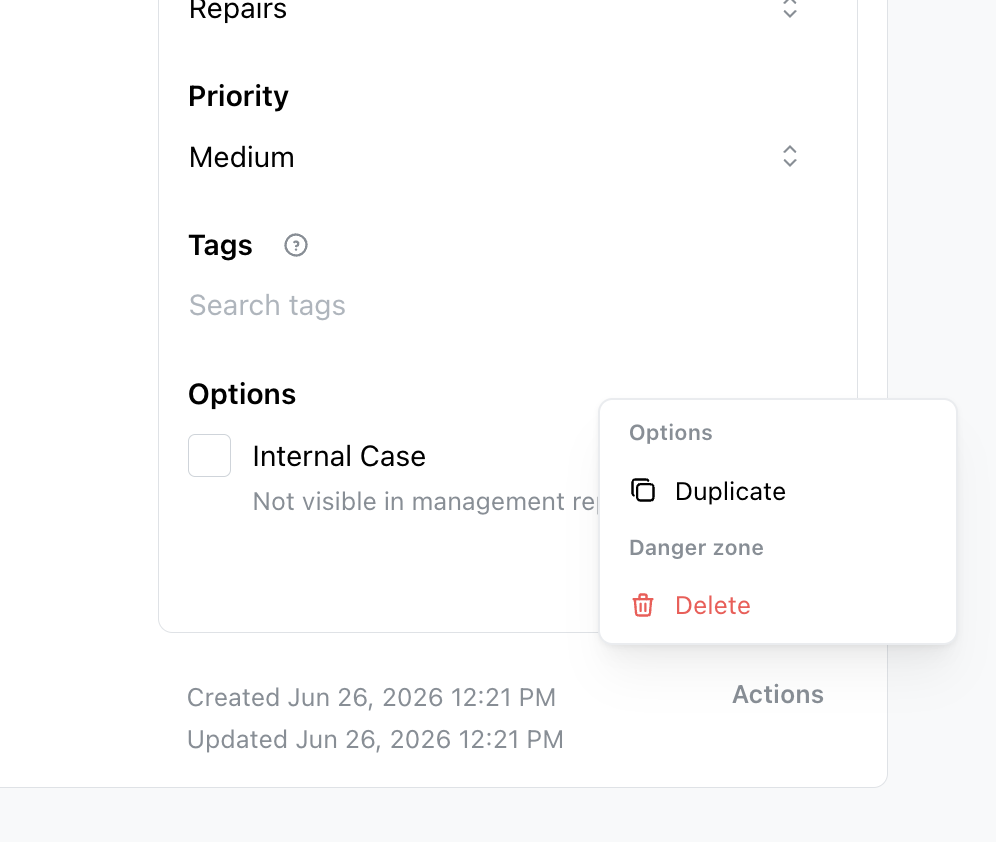
- Open a Case.
- Scroll to the Actions button on the right-hand side of the page.
- Click to open the Actions menu and select Delete.
Note
You can delete only one case at a time.
Was this article helpful?
Thanks for letting us know.
Thanks, we'll use this to improve the article. Still stuck? Email support@onsite.fm and we'll help.