

Removing Building
1 min read Updated
Removing Building
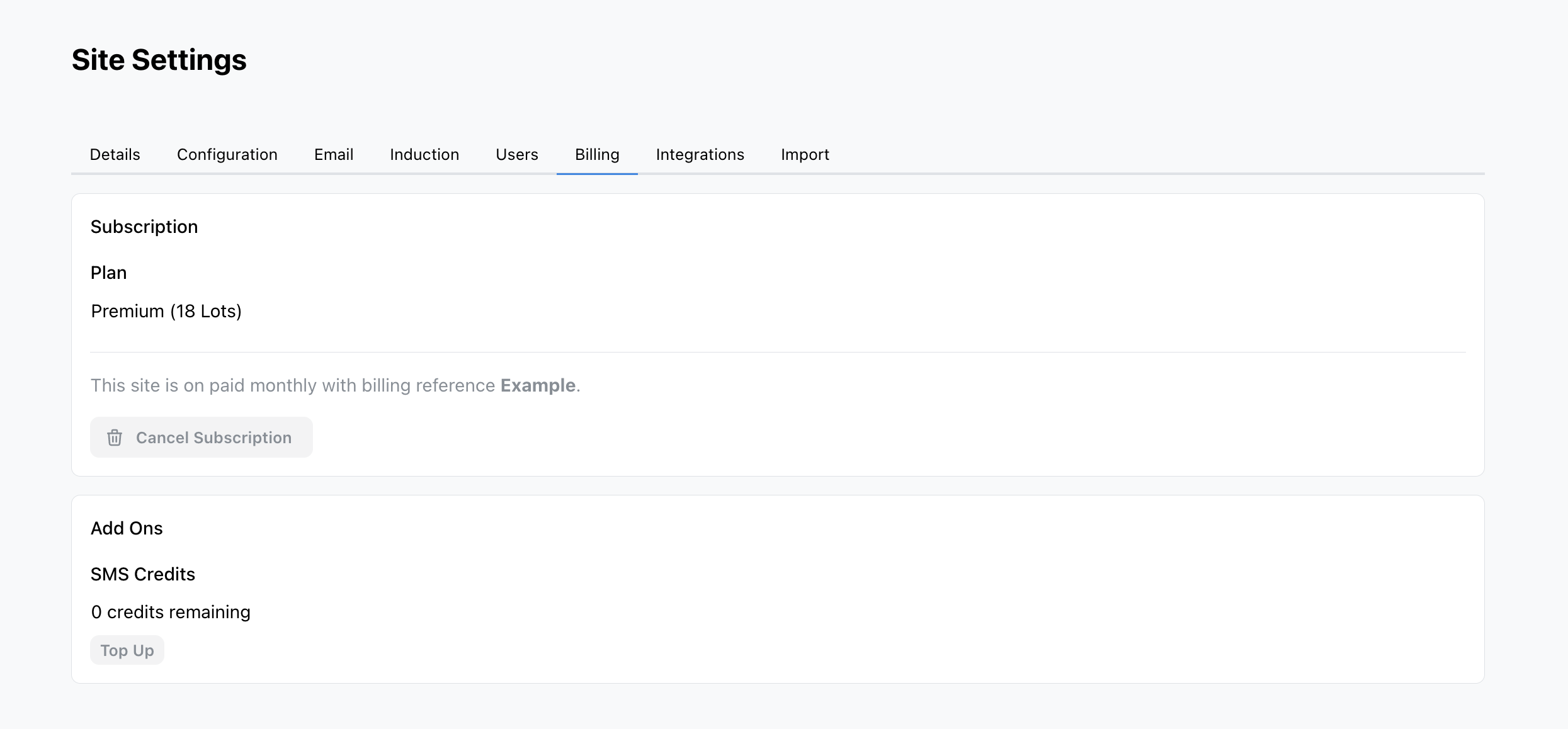
Organisation customers on a monthly plan are able to cancel a building subscription using the follow steps:
- Navigate to
Site Settings/Billing - Click
Cancel Subscription - Confirm
After Canceling Subscription, the following actions will occur
- The site will be removed from your organisation.
- All users will be removed from the site.
Export data before canceling subscription
Ensure you export any required data from the platform prior to cancelling your subscription
How we invoice for cancelled sites
In your next invoice, you will receive a pro rata charge based on the number of active days within the billing period.
Was this article helpful?
Thanks for letting us know.
Thanks, we'll use this to improve the article. Still stuck? Email support@onsite.fm and we'll help.