

Resident Guide
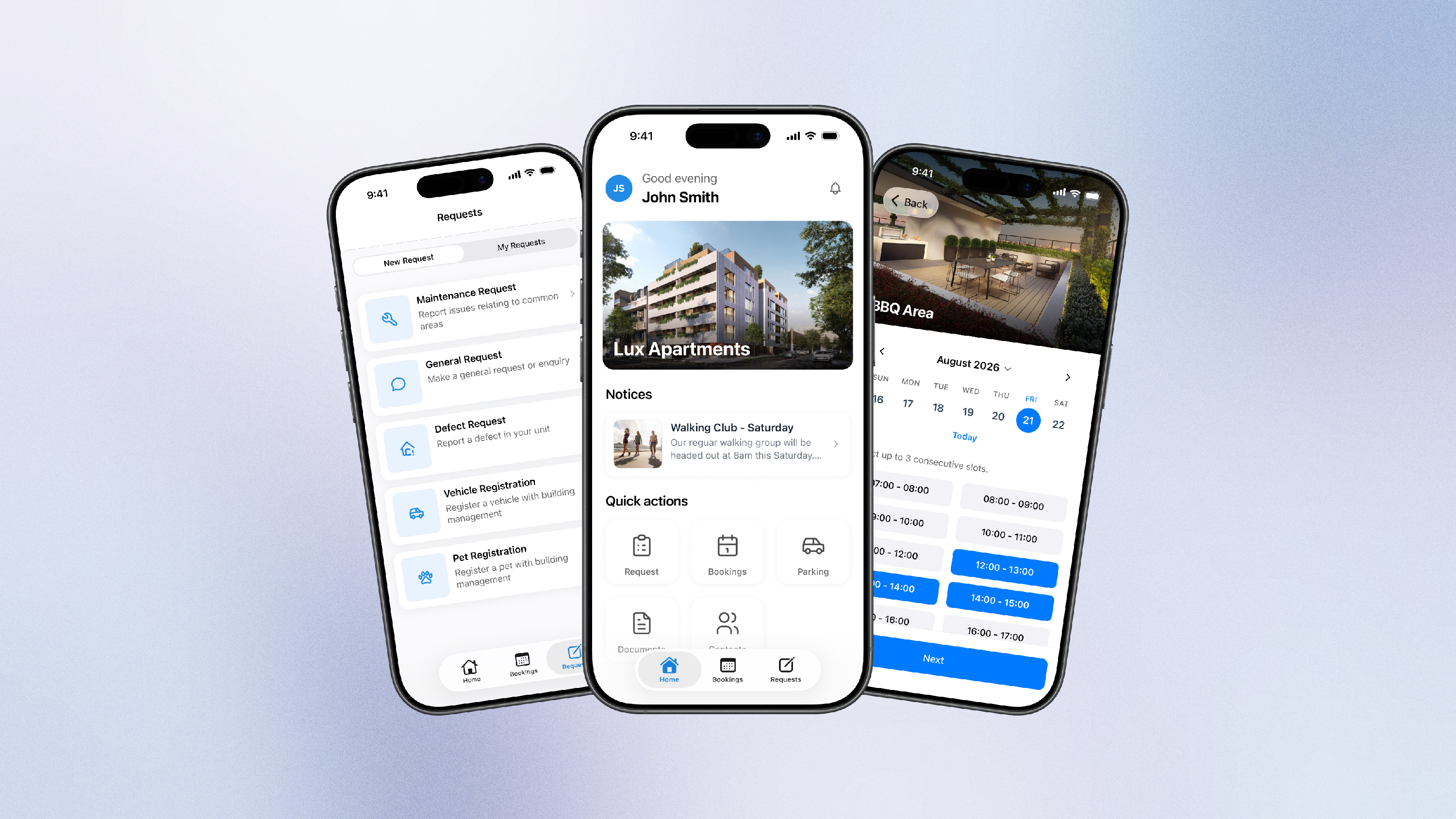
Install Onsite Resident App
Please download the Onsite Resident app using the links below.
Google Play
https://play.google.com/store/apps/details?id=com.onsitefm.resident&hl=en%5FAU
Apple IOS
https://apps.apple.com/au/app/onsite-resident/id6740836975
Enter Email
After downloading the Resident app, you will be asked to enter your email address.
Ensure you use the email you will have registered with building management, if applicable.
If the system detects a registered profile, you will be asked to verify you email with a 6 digit code.
If you are unknown to the system, you will need to register a profile.
Register Profile
If your email is not yet registered, you will need to setup and register a profile with building management.
- Scan Building QR code (provided to you, or displayed in common area, resident docs)
- Type Building Code.
After registering, you will gain partial access. The building manager will be notified to approve.
Once approved, this will unlock full app functionality.
If you are having trouble locating a building code, and are unable to scan the QR code on your device, you can extract the building code from the portal link and QR code.
Example
app.onsite.fm/portal?site=ABC123
Building code is ABC123