
Can browser GPS really detect when a contractor leaves site?
A browser can verify a contractor's location at check-in, but that is very different from reliably tracking when they leave.
· Nathan Croxton · Building Management · 5 min read
Some contractor sign-in products claim that browser-based GPS can detect when a contractor leaves a site.
It sounds useful. It is also a much bigger claim than the underlying technology supports.
A website can request a contractor’s location when they sign in or out. That creates useful evidence that the device was near the building at that moment. But a location check at a point in time is not the same as continuous, dependable tracking.
What a website can actually see
The browser’s Geolocation API provides two main ways to request location:
getCurrentPosition()asks for a location once.watchPosition()asks for updates while the webpage is still able to run.
Both require the contractor’s permission. The browser decides how long that permission lasts, and the returned location may come from GPS, Wi-Fi or another source available to the device. Even a request for high accuracy can be ignored by the browser.
For a normal contractor check-in, the useful result is a timestamped location captured when the contractor is actively using the page. The W3C Geolocation specification describes this as a one-shot position request.
Why watchPosition() is not reliable exit detection
It is technically possible to ask for repeated location updates. That still does not turn a website into a dependable background tracking app.
The webpage needs to remain open and running. In practice, a contractor will scan the QR code, complete the sign-in and put their phone away. They may close the tab, switch apps, lock their phone or let the device go to sleep.
Mobile browsers are designed to protect battery life, memory and privacy. Background pages can be suspended or discarded altogether. In a frozen page, browser tasks stop running. In a discarded page, no JavaScript runs at all. Chrome’s Page Lifecycle guidance explicitly warns developers to treat a hidden page as the likely end of the user’s session.
So while a website may receive additional locations for a period of time, it cannot promise that it will keep tracking indefinitely or reliably fire an event when someone crosses a site boundary.
Browser GPS can provide evidence of where a contractor was when they interacted with the page. It cannot reliably prove the moment they left.
Can browser location be spoofed?
Yes. Browser-based location can be spoofed by someone who is sufficiently determined and technically capable. A location result should therefore be treated as useful supporting evidence, not unquestionable proof that a person was physically onsite.
Have we seen any evidence that contractors are doing this in practice? Absolutely not.
It is important to be honest about what the technology can do without turning a theoretical weakness into a problem that is not actually occurring. For normal contractor attendance, a timestamped location still adds useful context to the sign-in record.
The lunch problem
There is also a workflow question that GPS alone cannot answer.
Suppose a contractor walks to a cafe down the road for lunch. Have they finished their attendance, or are they returning in 20 minutes?
An automatic geofence has two awkward options:
- Sign them out, then require them to complete another sign-in when they return.
- Keep the attendance open, in which case the system has not really detected that they left.
Location can show movement. It cannot determine intent. Requiring extra sign-ins for every short break also adds friction to the exact people you need to use the system consistently.
Permission is part of the product experience
Location access belongs to the contractor, not the website. They can allow it, deny it or have it unavailable because of their browser or device settings.
Once access is denied, a website cannot simply override that choice. Depending on the browser and device, the contractor may need to change the site’s permission in their settings before location can be requested again. That quickly turns a simple arrival into a technical support job.
Building teams do not want to troubleshoot browser settings at the front desk. Contractors do not want to fight with their phones before starting work. If the process creates too much friction, people find a way around it and the attendance record becomes less complete, not more.
The approach we take at Onsite
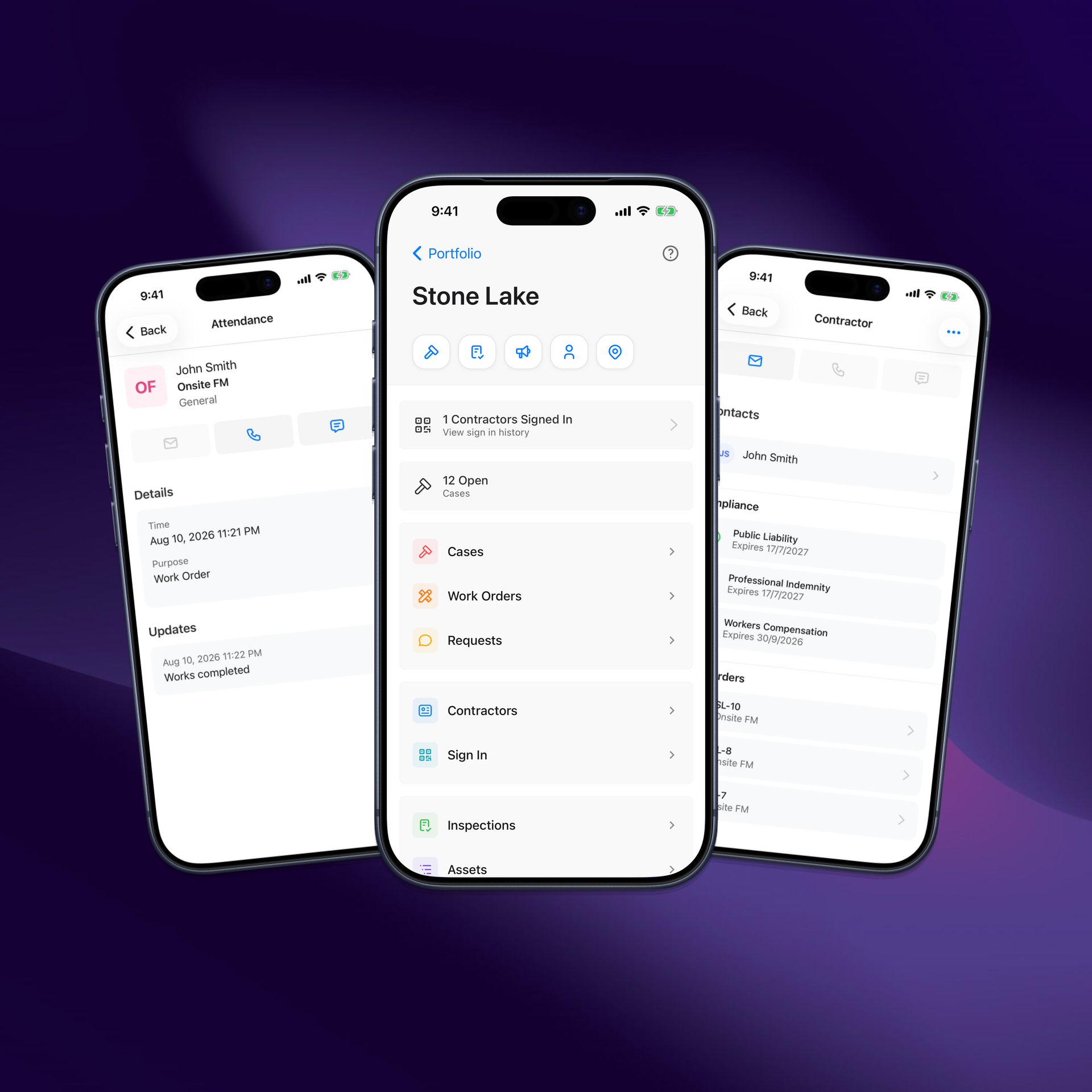
Onsite requests location at check-in and check-out and captures it with the attendance record when permission is available. That gives building and facility managers useful evidence without pretending a webpage is an always-on tracking device.
If a contractor denies the request or their device cannot provide a location, we still allow them to sign in. A recorded attendance without GPS is more useful than no attendance at all.
The result is a practical balance:
- Request location when the contractor is actively checking in or out.
- Record the time, device and available location with the attendance.
- Keep the workflow usable when location permission is denied.
- Connect attendance to the case or work order that brought the contractor onsite.
- Preserve a searchable record for building teams and reporting.
We have been refining this workflow since launching contractor sign-in close to two years ago. The improvements have not been about making bigger surveillance claims. They have been about making the experience fast, resilient and easy enough that contractors actually use it.
That is the difference between a feature that sounds impressive in a demo and one that works at a real building.
See how Onsite contractor sign-in works or request a demonstration.