

How to add Units
1 min read Updated
How to add Units
Adding units to your building is a simple process.
Steps to Add a Unit
- Navigate to Units.
- Click the Add button in the top-right corner of the screen.
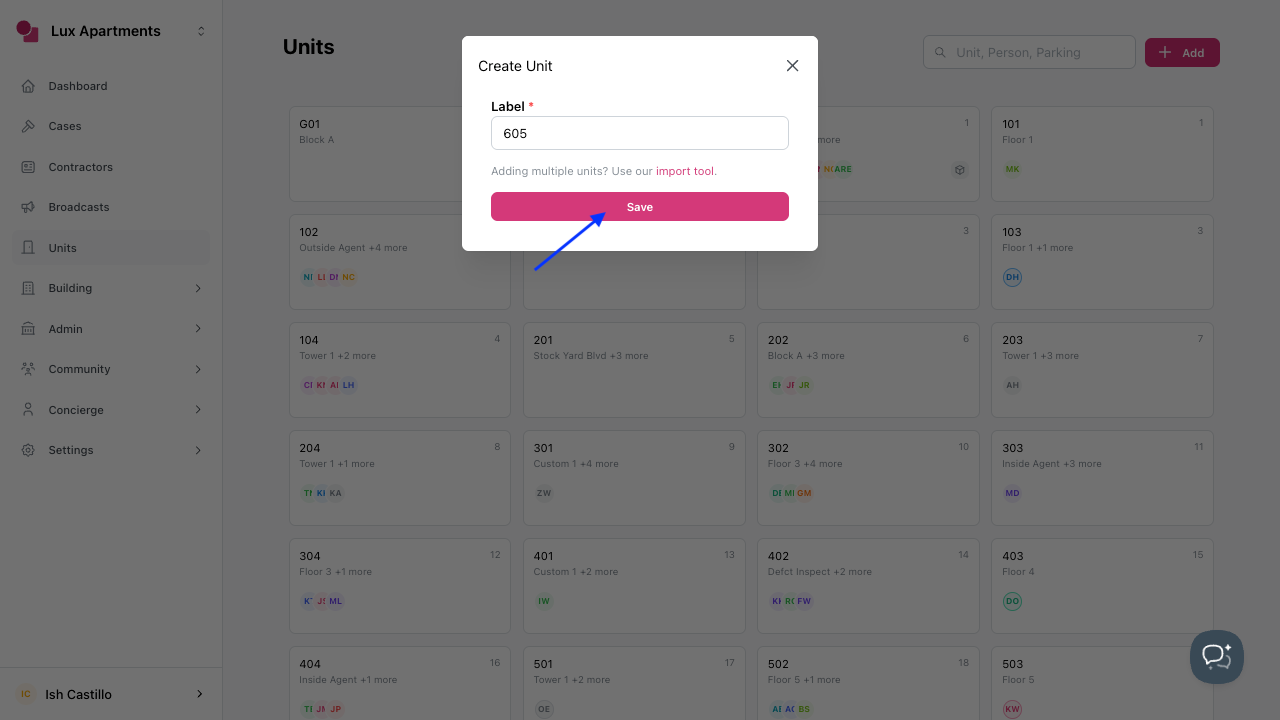
- In Label, enter the unit name.
- Click Save.
Once your units have been added, you’ll be able to add residents to them.
Refer to this guide for steps on adding residents.
Was this article helpful?
Thanks for letting us know.
Thanks, we'll use this to improve the article. Still stuck? Email support@onsite.fm and we'll help.