

How to manage Vehicles
1 min read Updated
How to manage Vehicles
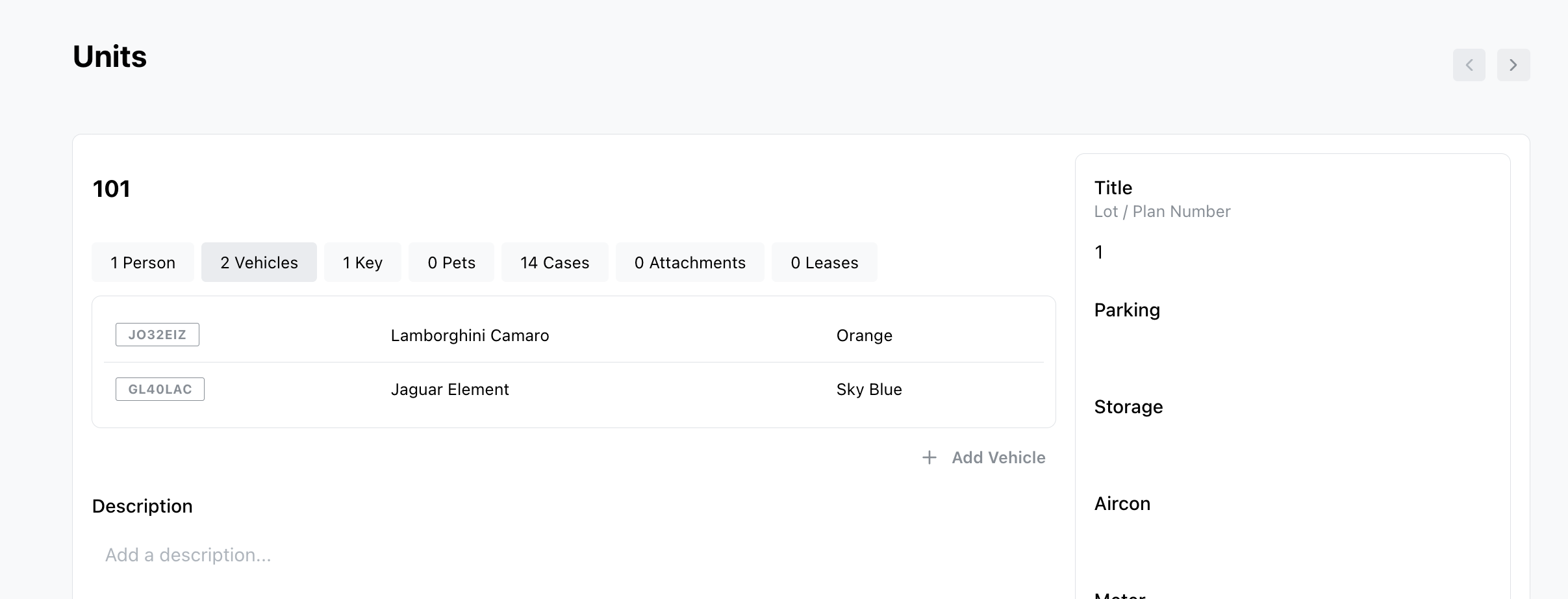
Adding a resident vehicle
There are multiple ways you can add a resident vehicle.
- Open a unit and click the Vehicles tab.
- From the Vehicles page, under the Community tab in the sidebar
Searching by number plate
- Go to Community > Vehicles, enter the number plate in the search bar.
- Click Search from the dashboard
- Type / to open search.
Was this article helpful?
Thanks for letting us know.
Thanks, we'll use this to improve the article. Still stuck? Email support@onsite.fm and we'll help.