

Automatically close cases
1 min read Updated
Automatically close cases
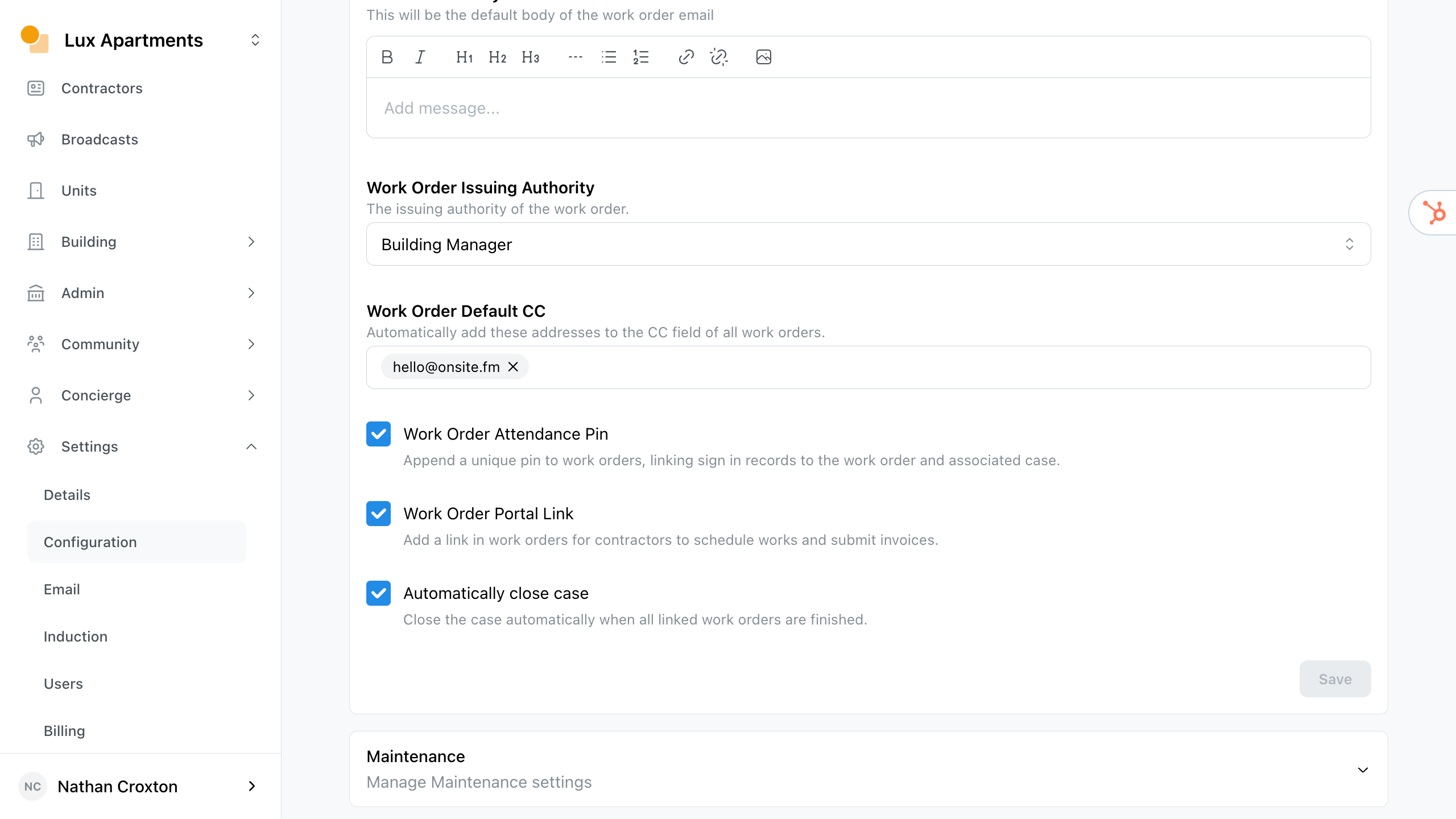
Onsite will automatically close a case when all linked work orders transition to completed.
You may disable this behaviour.
- Navigate to Settings > Configuration > Work Orders.
- Simply deselect the Automatically close case checkbox.
- Save changes.
Was this article helpful?
Thanks for letting us know.
Thanks, we'll use this to improve the article. Still stuck? Email support@onsite.fm and we'll help.