
Creating Unit Groups
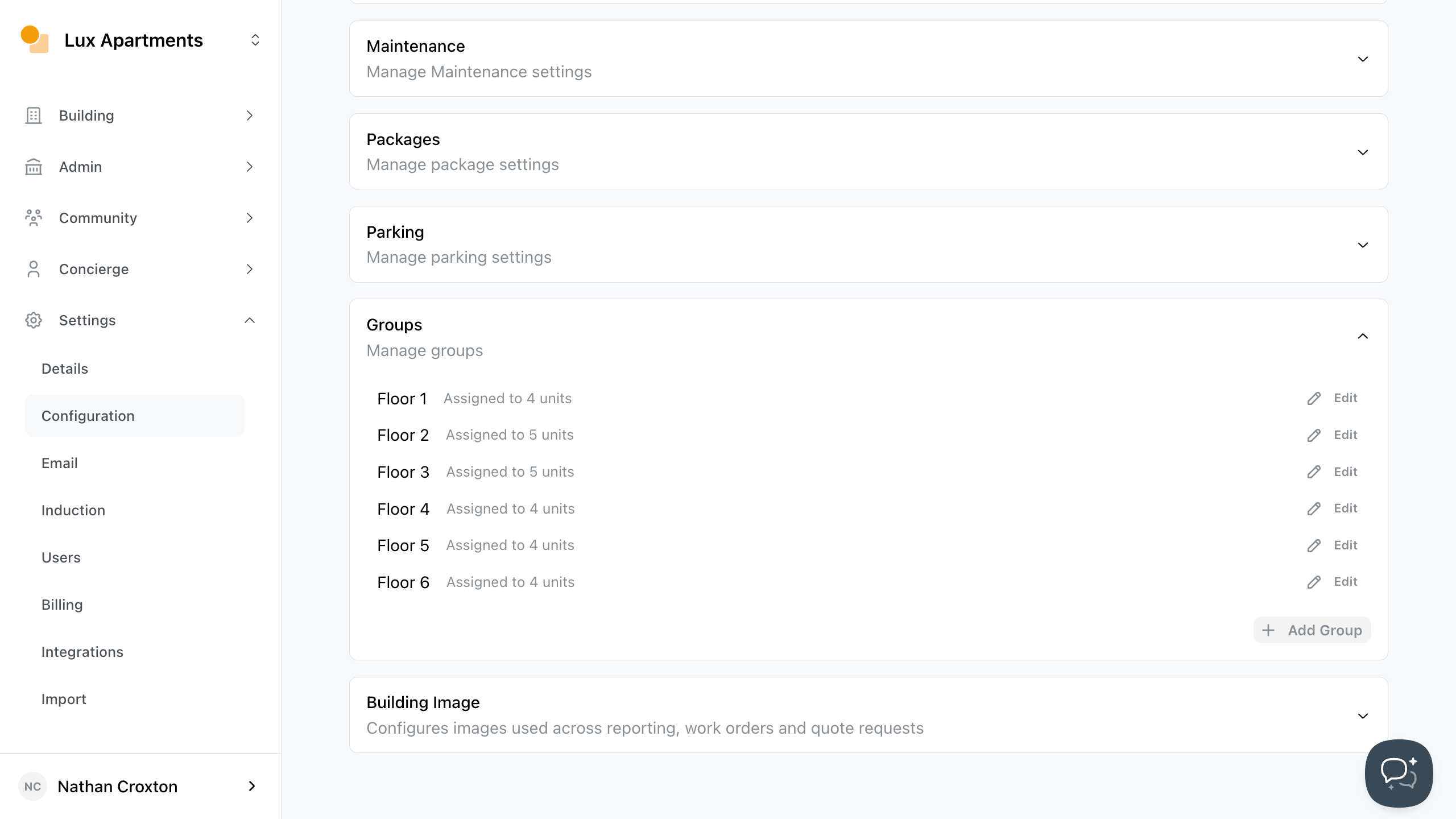
To add units to a group:
- Go to Site Settings.
- Click Configuration.
- Navigate through Group and click Add Group.
- From there, add a label first, and then add the units you want to include so everything is grouped in a clear, consistent way.
- Save to confirm your changes.