

Deleting Assets
Steps to Delete an Asset
- Navigate to
Buildingin the sidebar - Select
Assetspage - Click to open the asset to be deleted
- Select
Actionson the bottom right of the page - Click
Delete
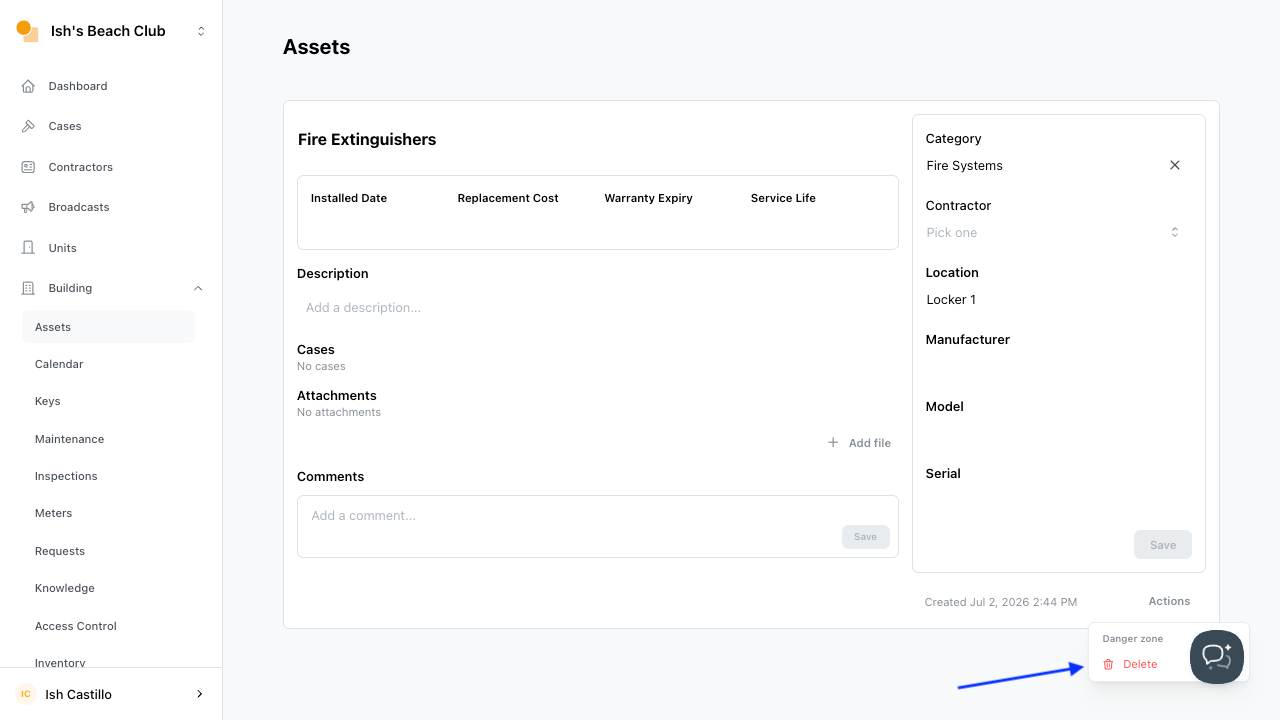
Building in the sidebarAssets pageActions on the bottom right of the pageDelete