

Importing Assets
To import assets into Onsite, you can use our Import tool.
Before commencing, it is important that the data is formatted ready for importing. An import template available to download in the import section.
Once you have the data in the correct format to import to Onsite:
- From the left menu bar, navigate to
Settings - Select
Import - Choose
Assets Import - Upload your contractor CSV or Excel spreadsheet
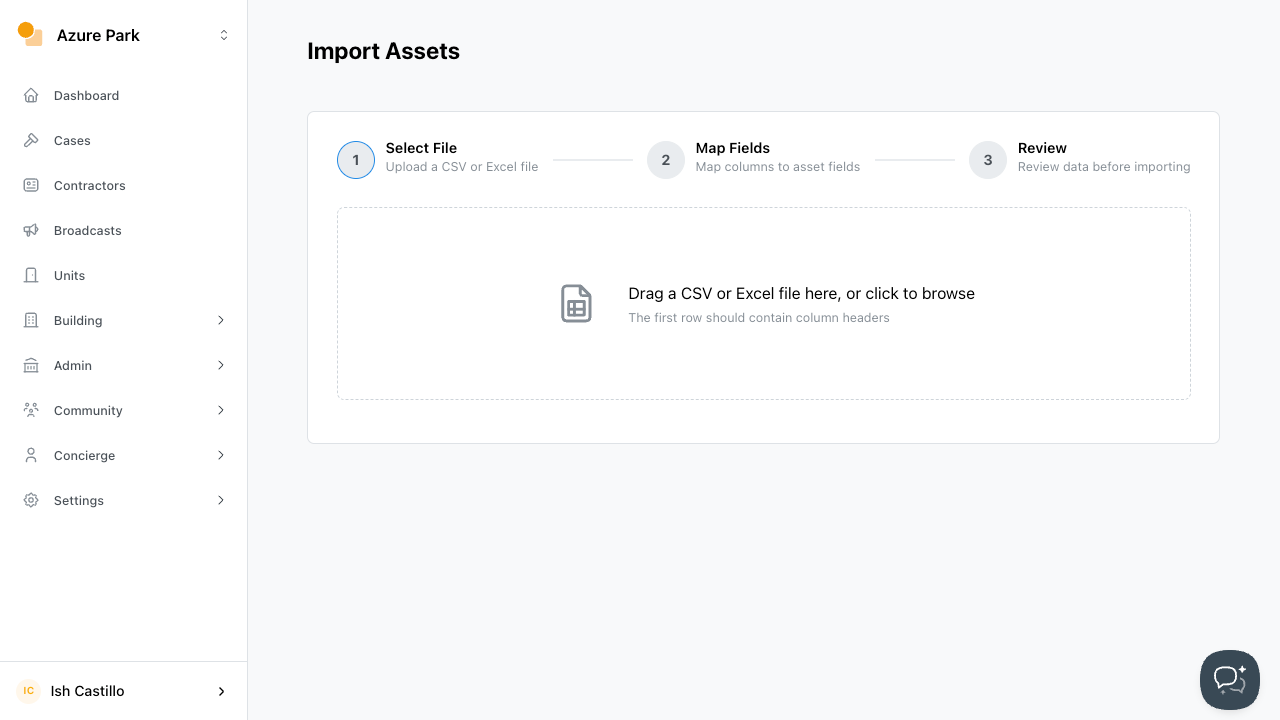
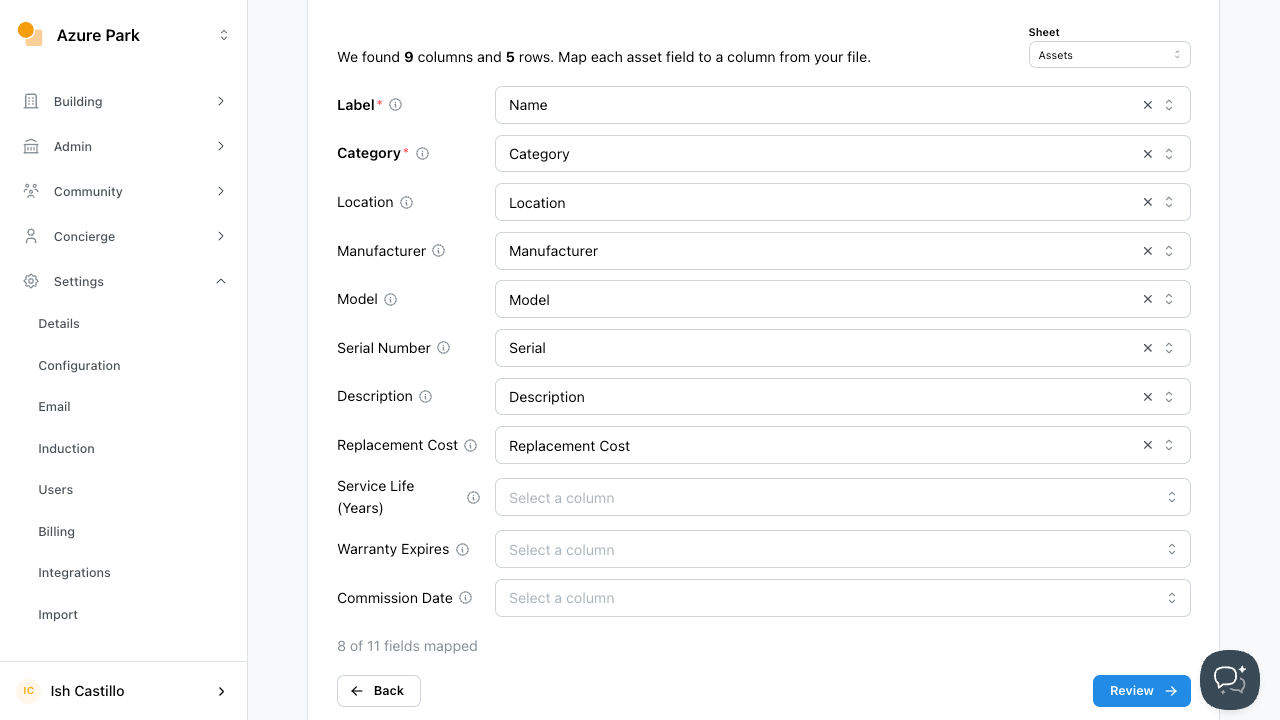
- Verify the column mapping and ensure your fields match Onsite’s mapped fields. Once confident that the fields are matched correctly, click
Review
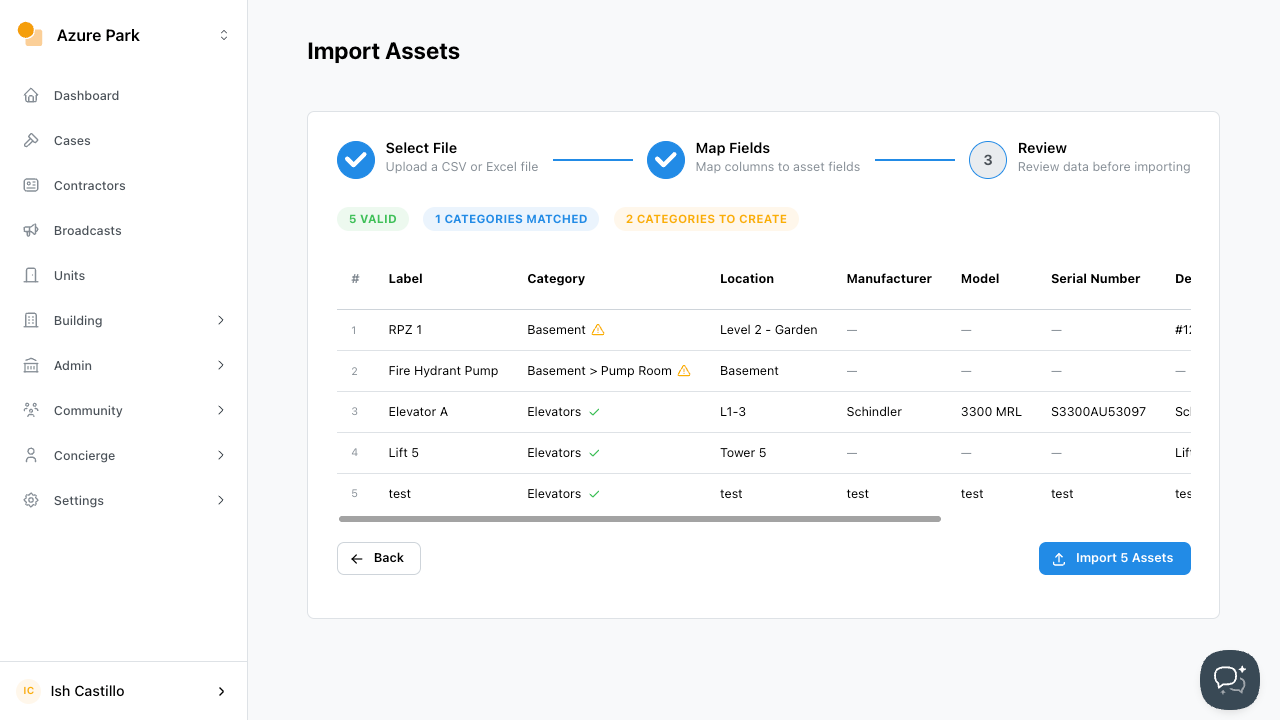
- On review, the import tool will verify the data before proceeding. Check that the data is correct with no errors. If no errors are present, click
Import Assets
An import successful notification will appear.
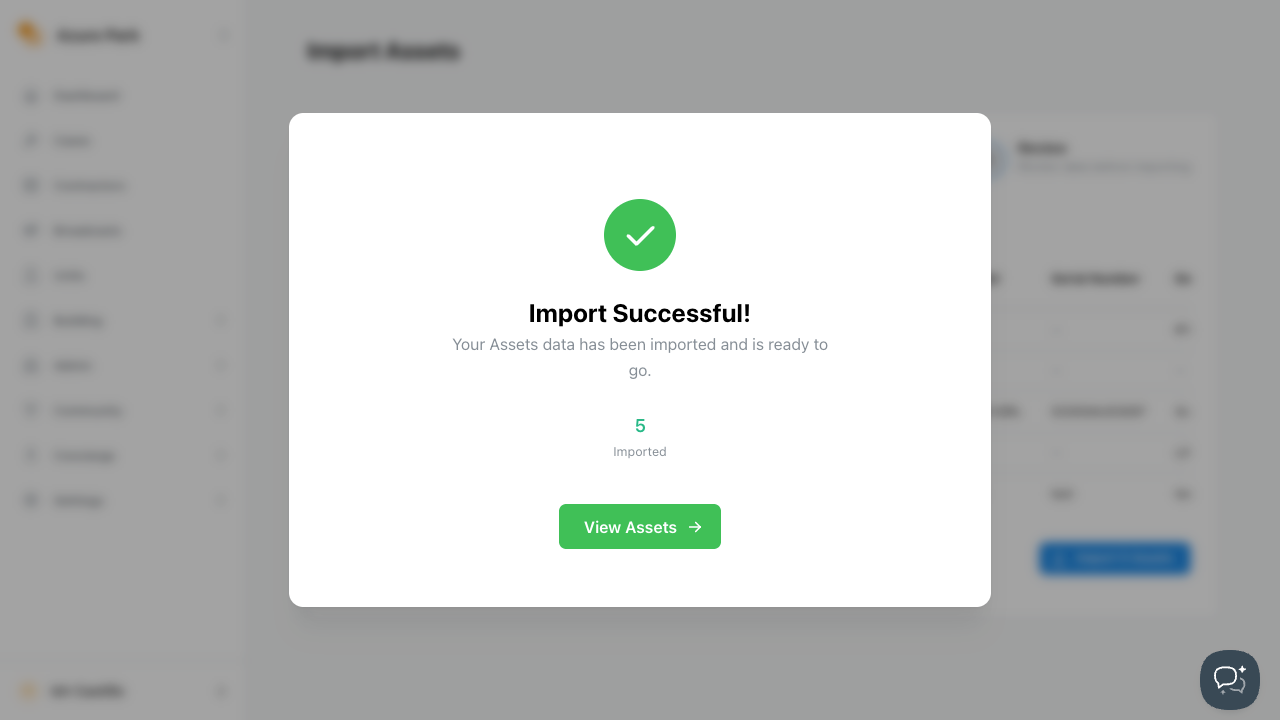
You have successfully imported your assets to Onsite!