

How to login to Building Manager App
1 min read Updated
How to login to Building Manager App
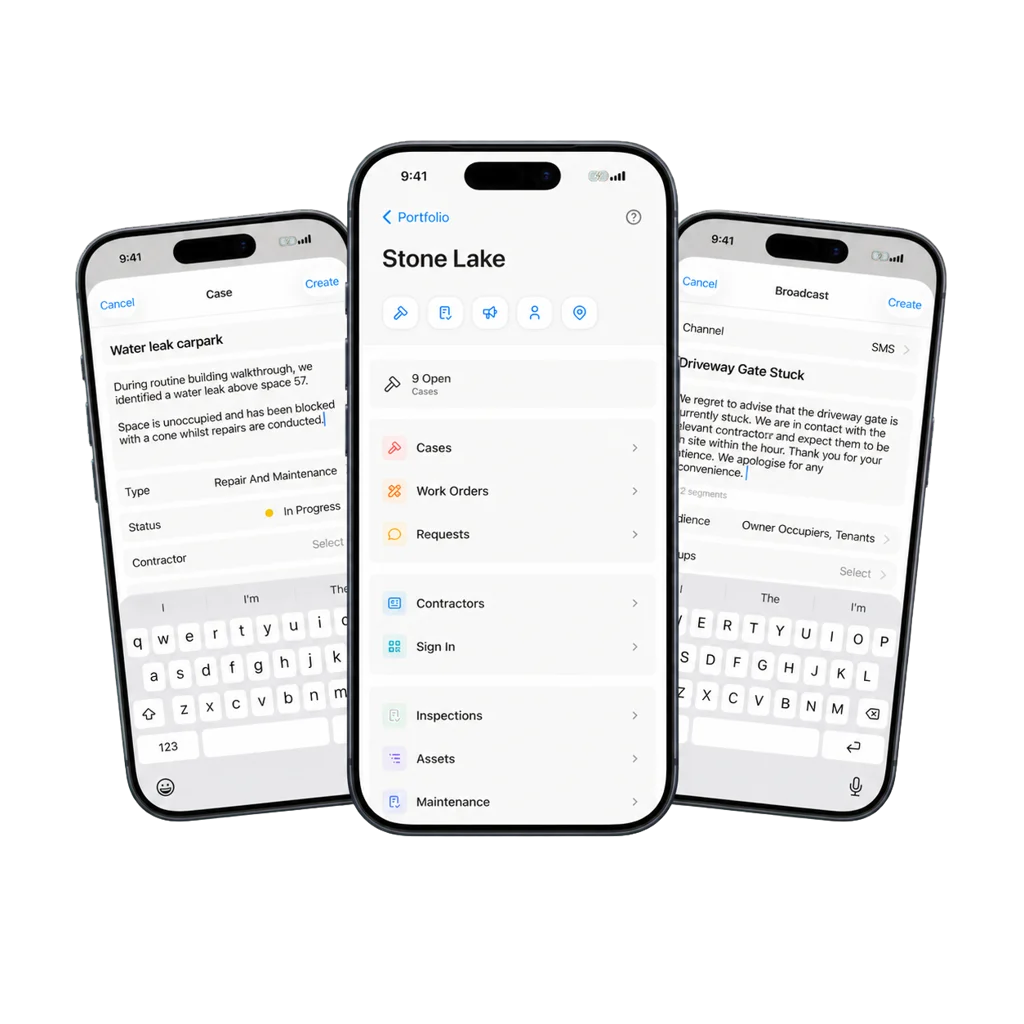
Install Onsite Building Manager App
Please download the Onsite Building Manager app using the links below.
Google Play
https://apps.apple.com/app/id6742767084
Apple IOS
https://apps.apple.com/app/id6742767084
iPhone & Android
The sign-in process for Android & iPhone users are virtually identical.
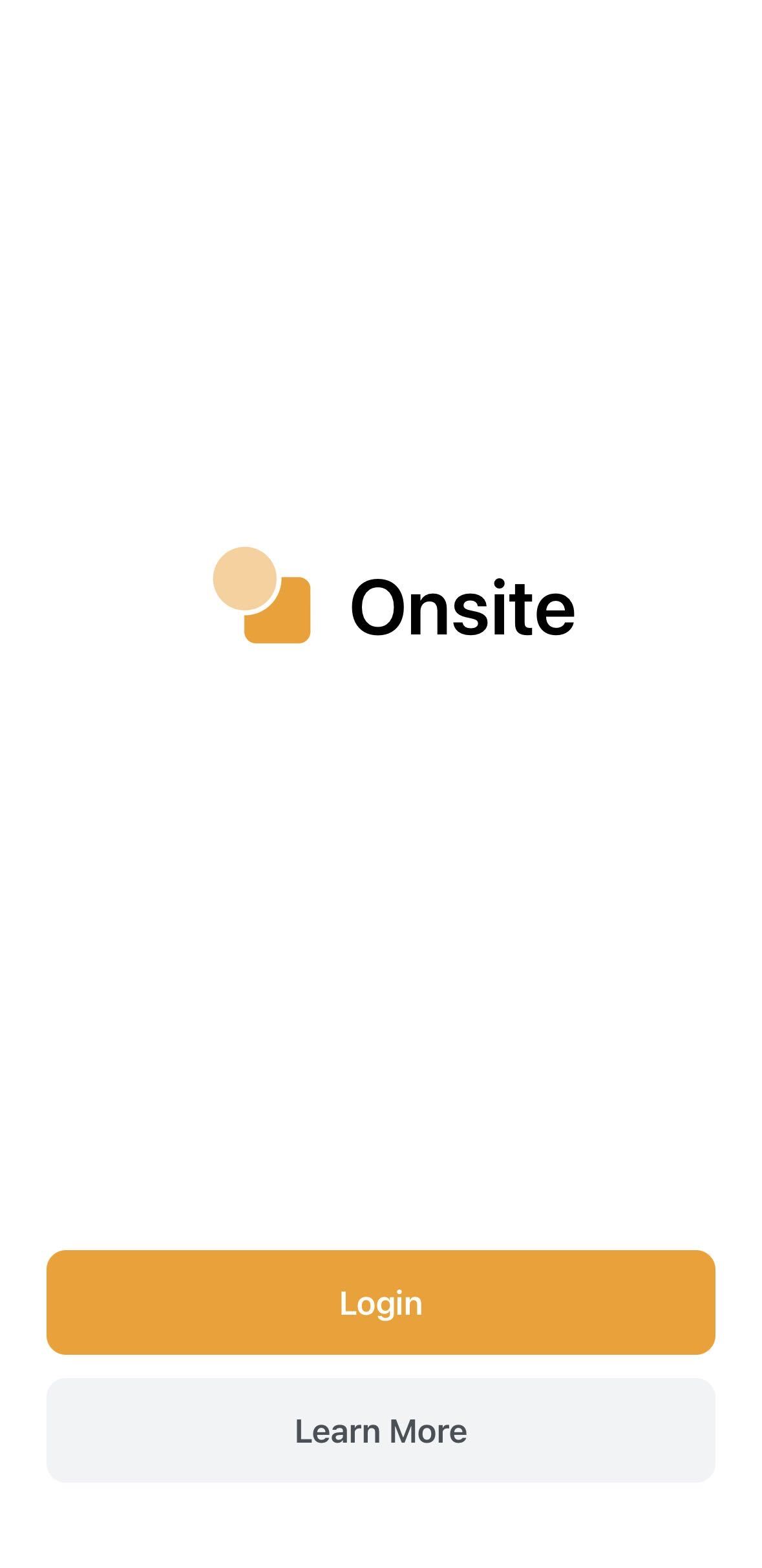
- Open the app and select Login: Once installed, open the app and tap Login.
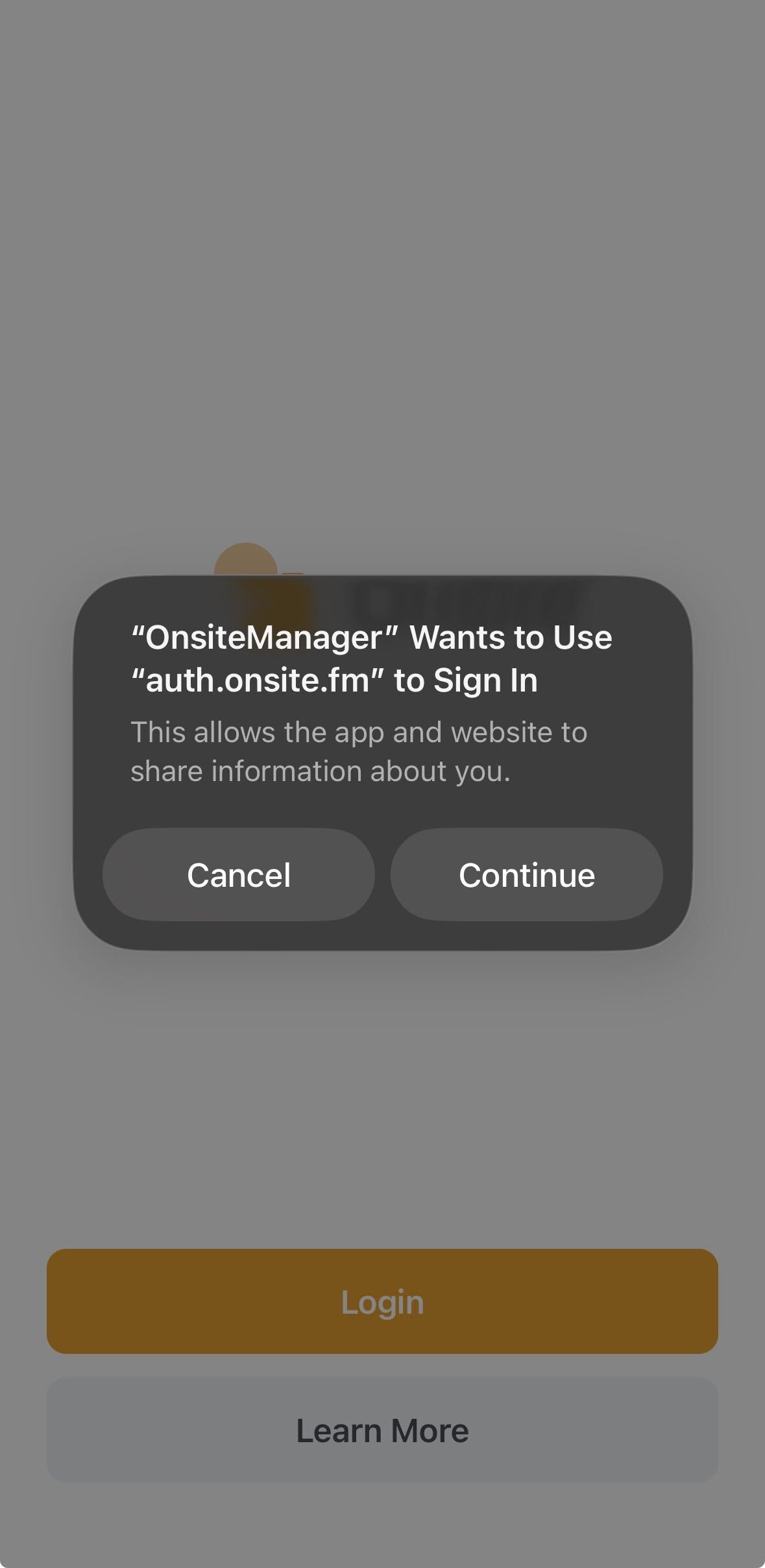
- Allow information sharing: A pop-up window will appear asking you to allow the app and website to share information. Tap Continue.
- Sign in: You will be taken to the Sign-in page. You can choose to sign in using your email and password or continue with Google (or other available sign-in options).
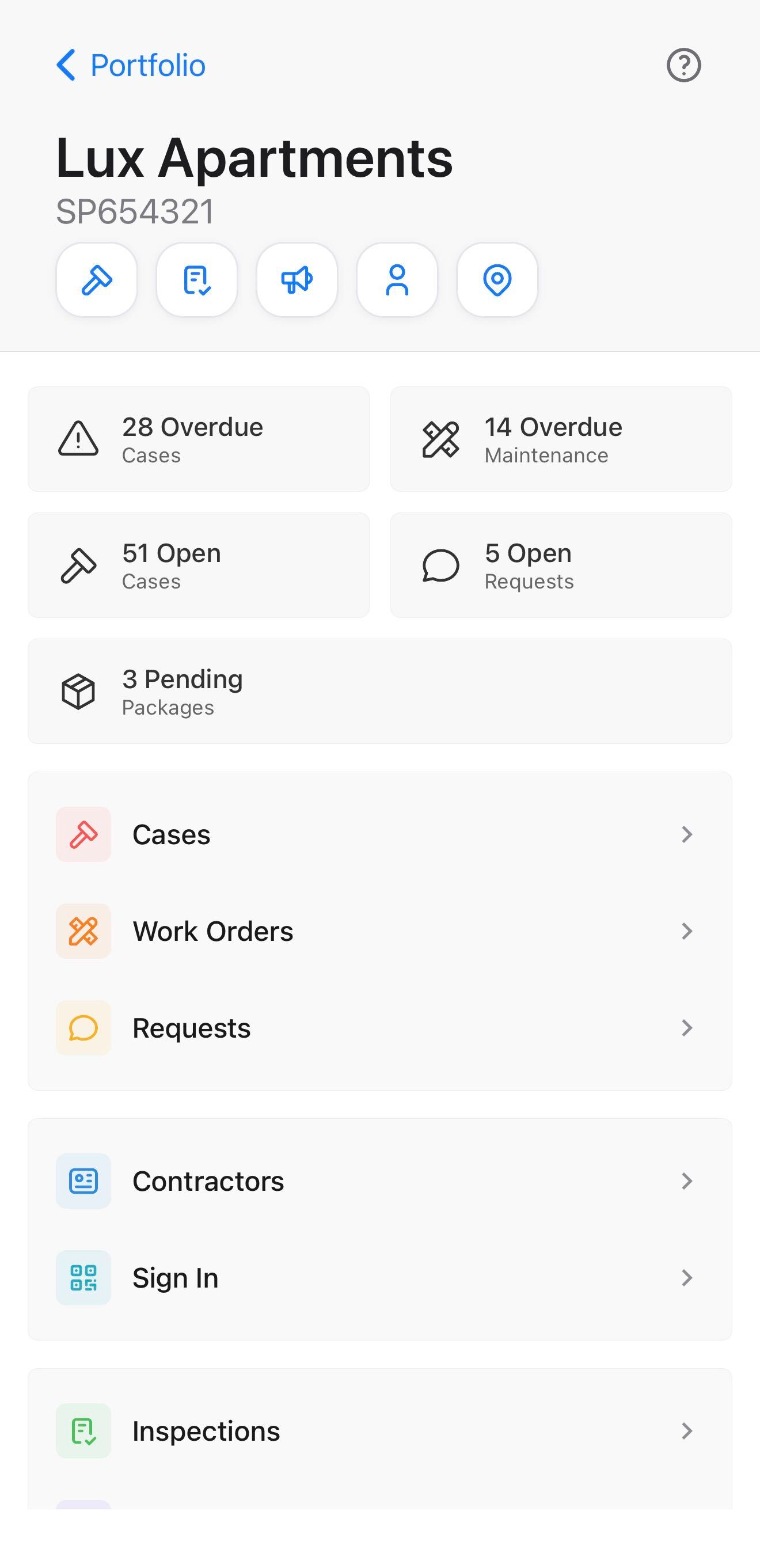
- Select your site: After successfully logging in, you will see all the sites you have access to. Select the one you want to view and manage.
Was this article helpful?
Thanks for letting us know.
Thanks, we'll use this to improve the article. Still stuck? Email support@onsite.fm and we'll help.